Mobile phone App Check
1. Navigate to where your Goldtel Initiate app icon is located.
2. Tap and hold down the icon until a box comes up, Tap the 'i' icon which should be located in the top right corner.
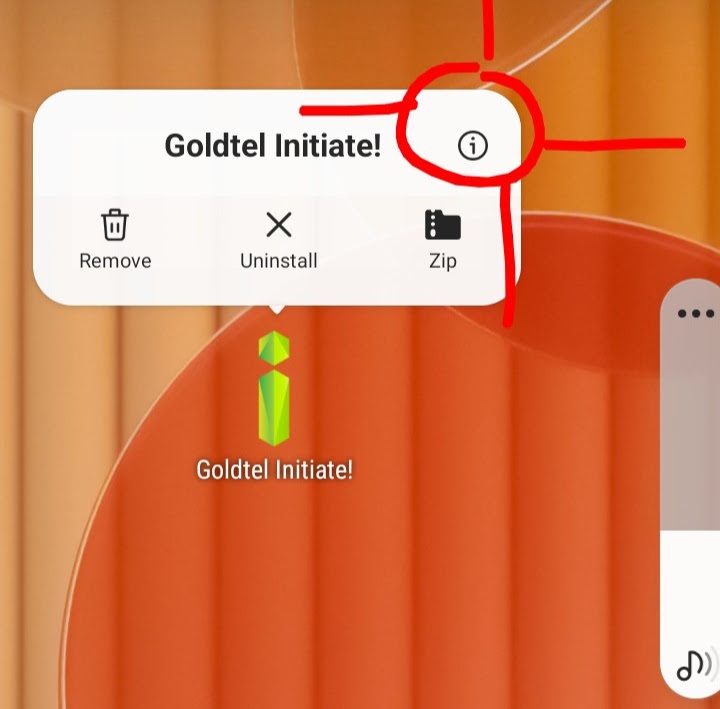
3. This should bring you to the "App info" page.
4. Scroll to the "Mobile data" tab and make sure the "Allow background data usage" and the "Allow data usage while Data saver is on" options are on.
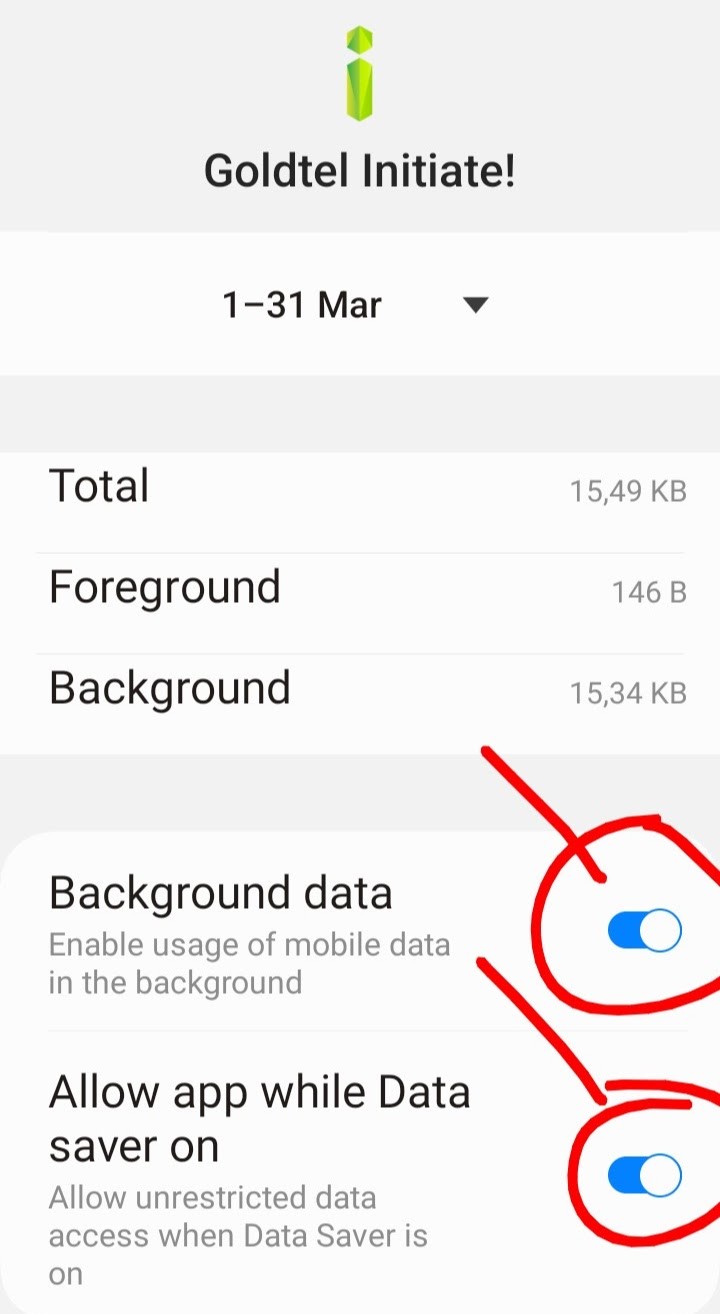
5. Go back to the "App Info" page and click on the "Battery" tab and make sure the "Allow background activity" option is on.
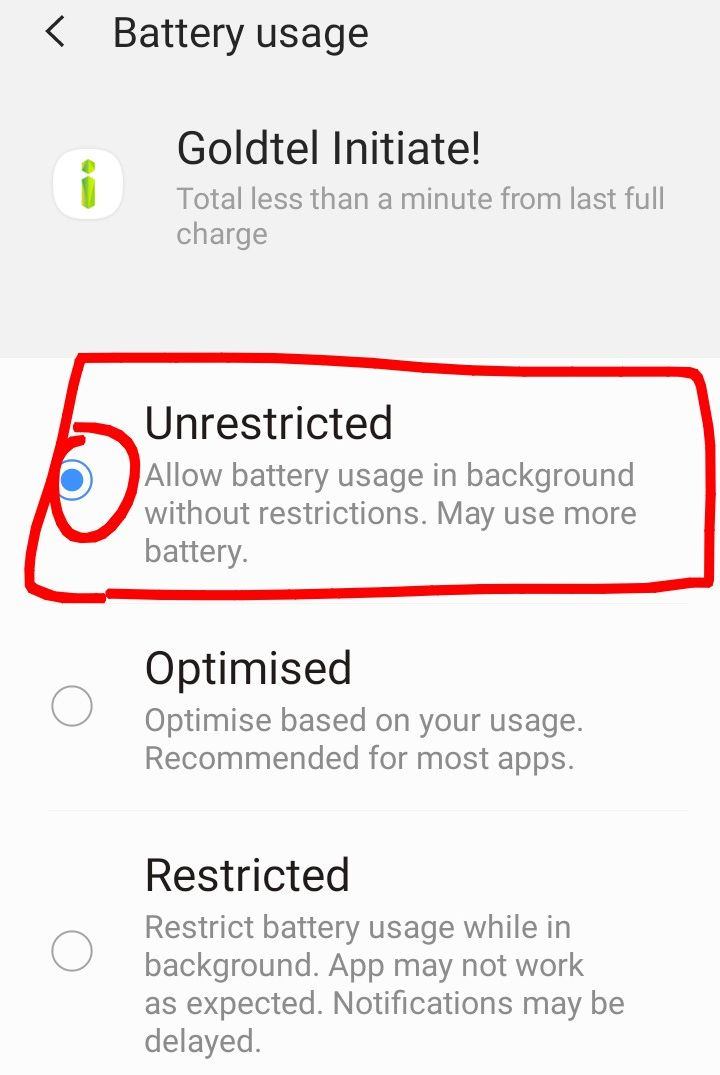
6. Once that is all checked,
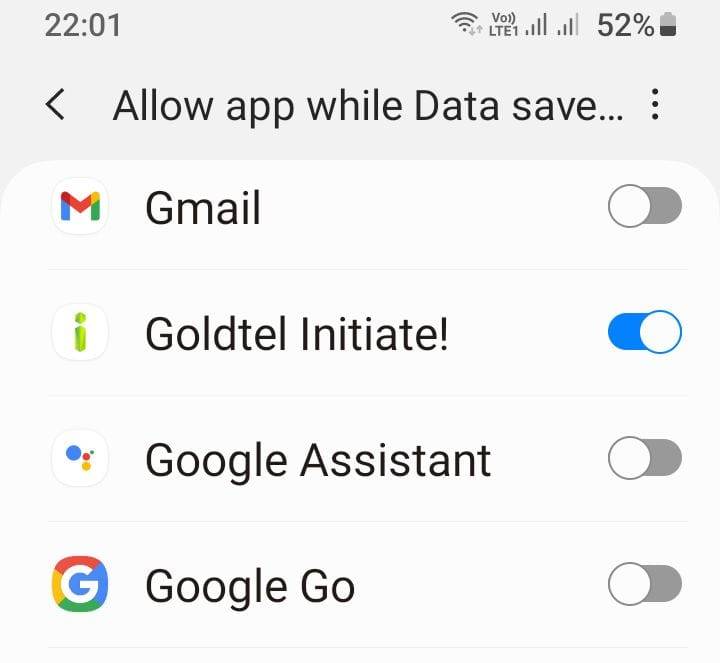
navigate to your settings on your phone and search for "Deep sleeping
apps", or "allow App while Data saver is on", click on the search result that appears.
7. This should bring you to a "Background usage limits" page.
8. Click on the tab that says "Never sleeping apps", then click on the "+" icon in the top right corner.
9. Search for the Goldtel Initiate app and click the add button when you have the app selected.
10. Test again and see if you can make outgoing calls.
11. Make sure the work number has not been blocked by accident.